100% automatic

AI Video Generator

Upload media
Photos, videos or audio
Private mode
By continuing, you agree to our Terms of Service and Privacy Policy.
Turn ideas into stunning videos in seconds.

How to create AI videos

Create videos in a few simple steps - fast, intuitive, and built for modern creators.

Start creating
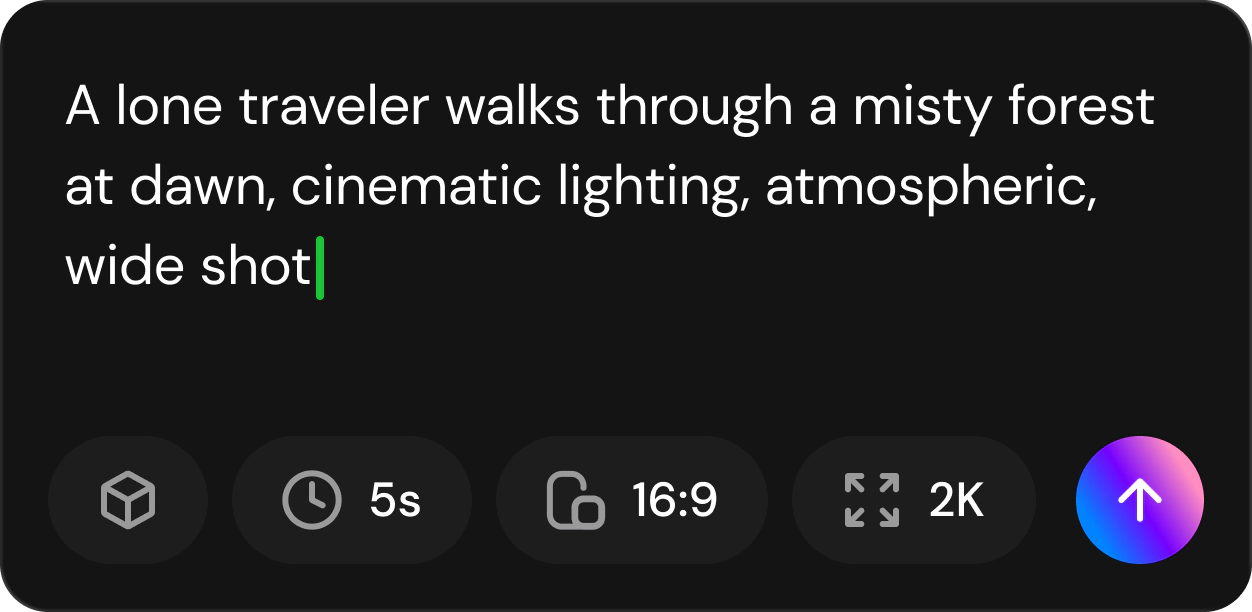
Step 1

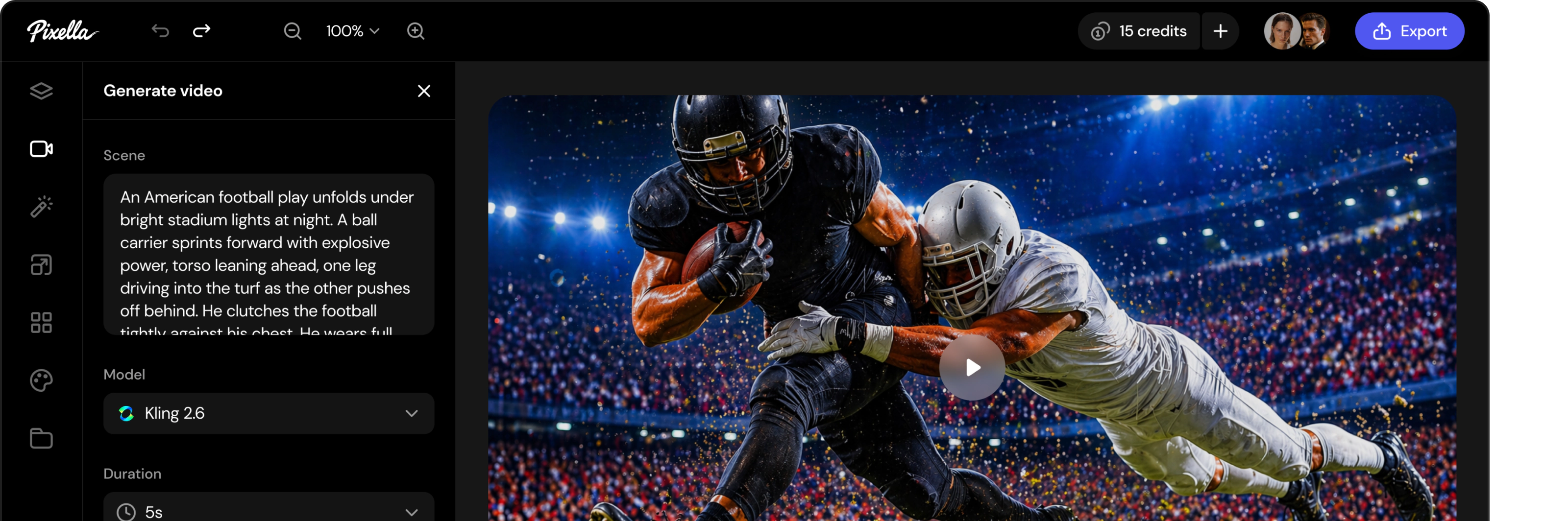
Describe your video idea

Write a prompt or upload references to define your video.

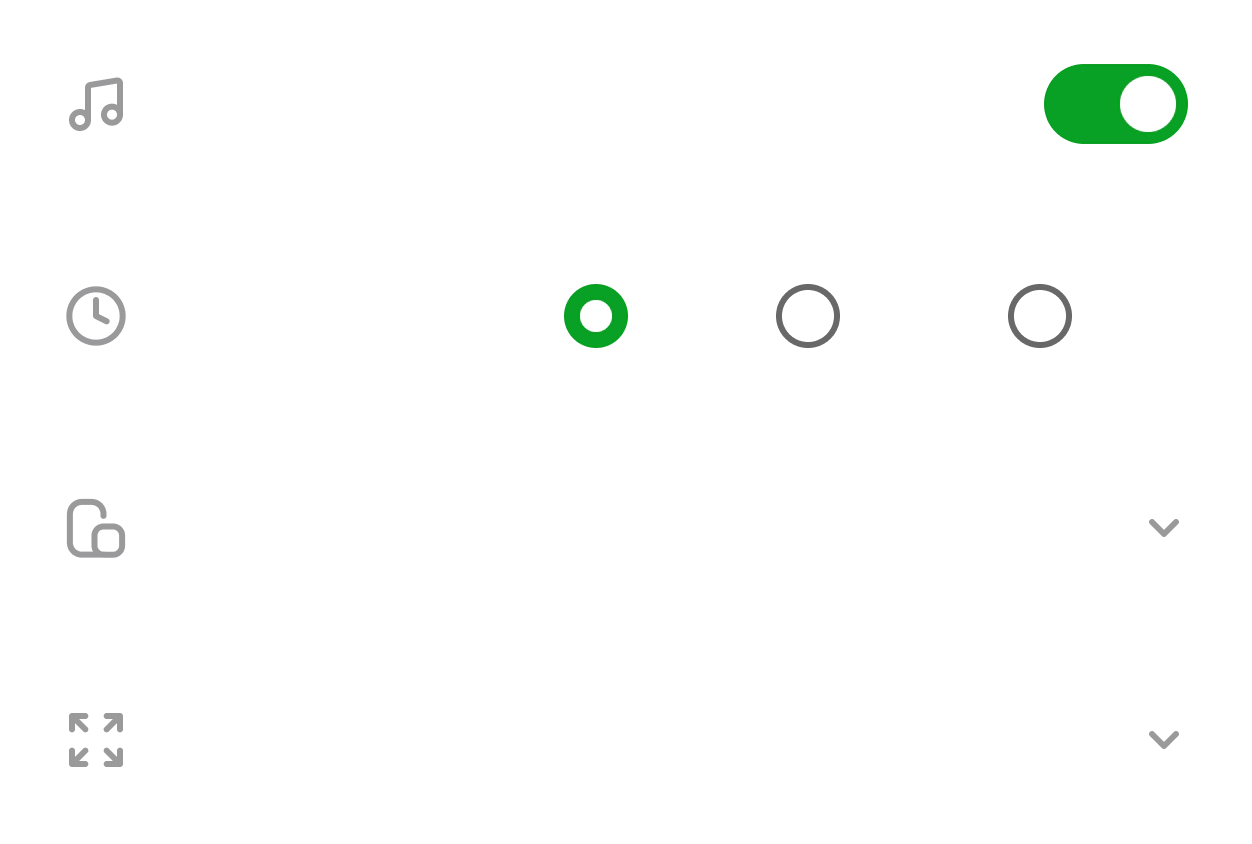
Step 2

Configure video settings

Choose a model and adjust settings like duration and resolution.

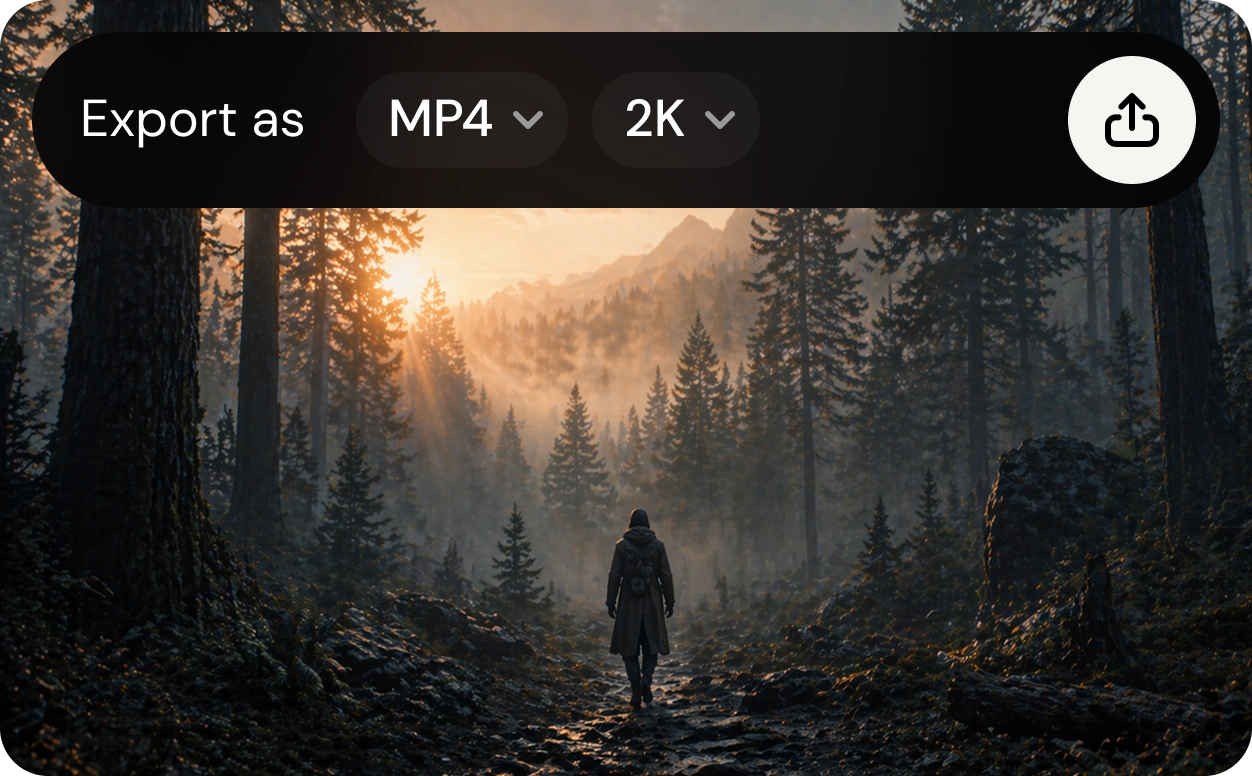
Step 3

Generate and export final video

Preview, refine, then render and download your video.

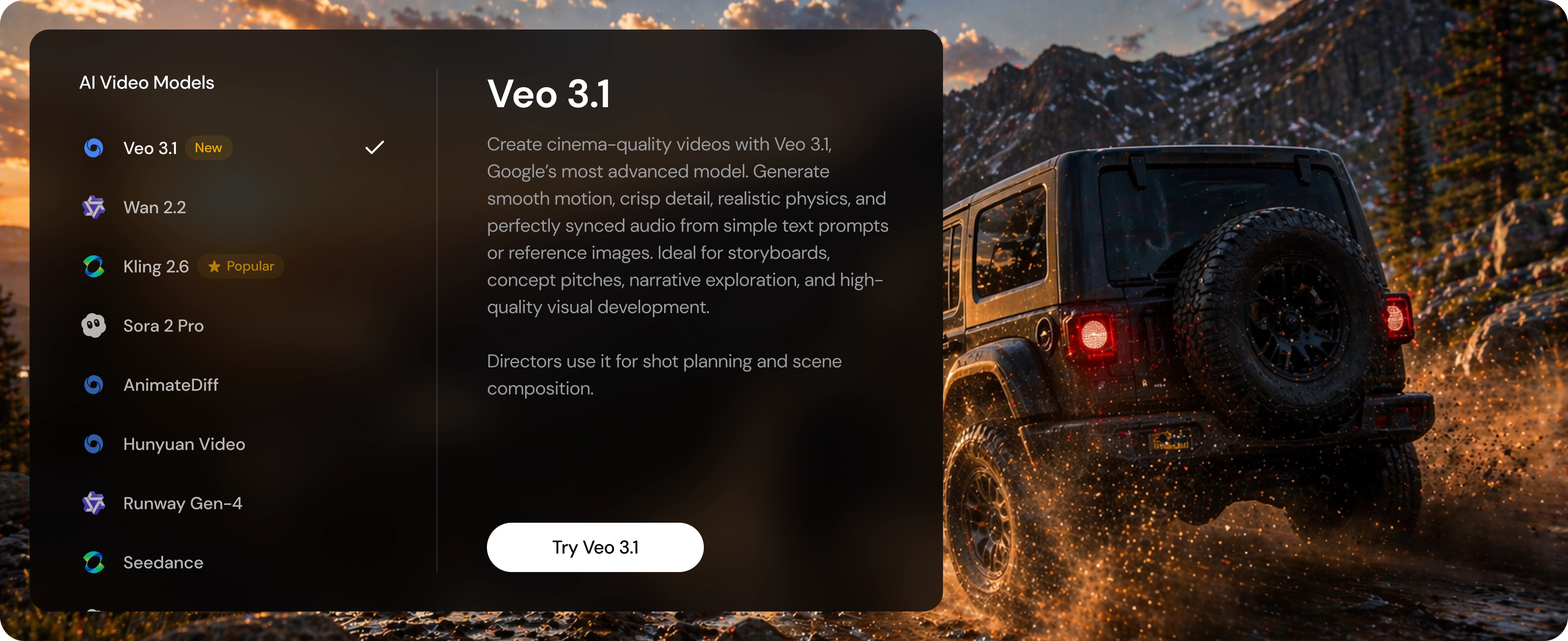
Access the latest AI video models

Create from text, images, or footage - at AI speed.

Kling 3.0 Motion Control

Use motion brush controls to guide movement, animate references, and create cinematic video from images, text, or footage.

Start creating

Why creators prefer Pixella AI video tools

Next-gen AI video models

Turn text or images into video and pick the option that works best for you.

Studio-quality results in seconds

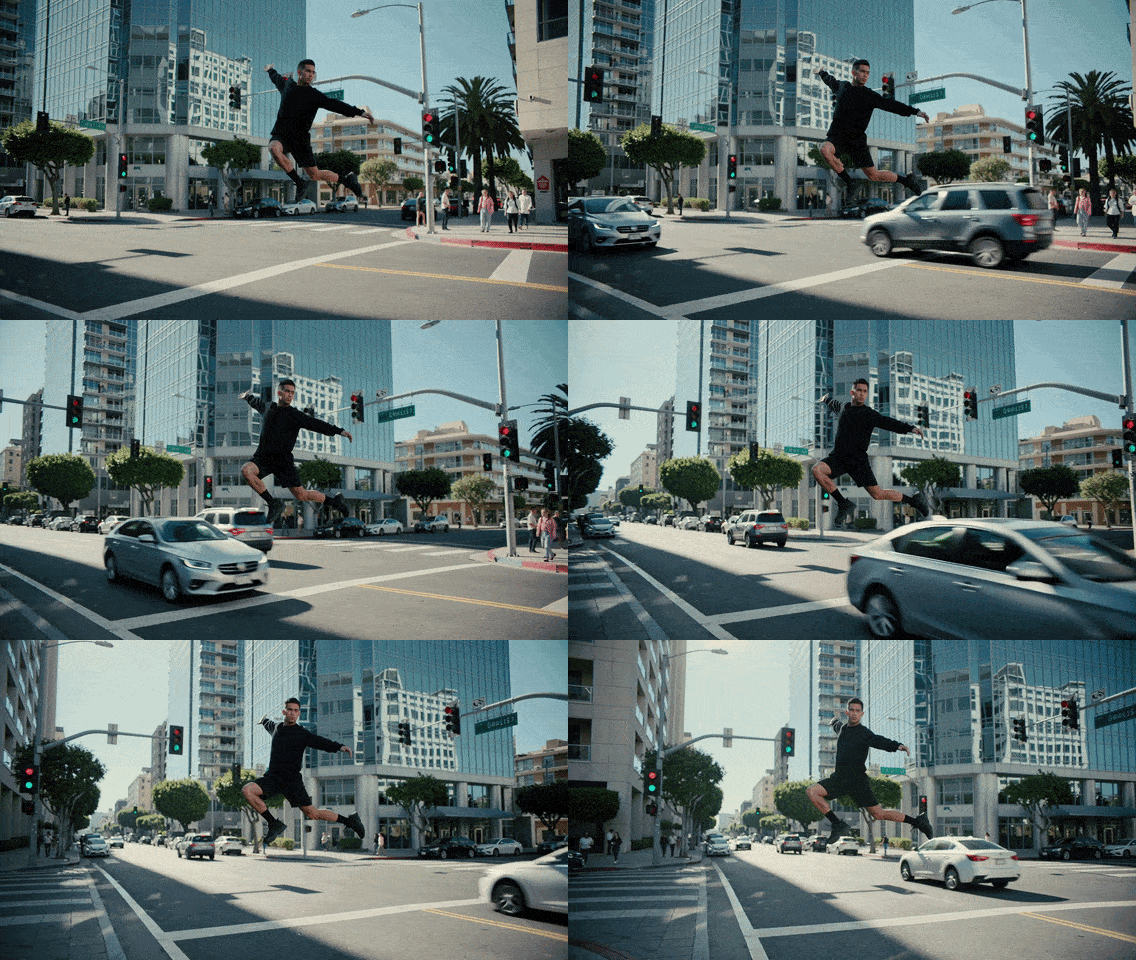
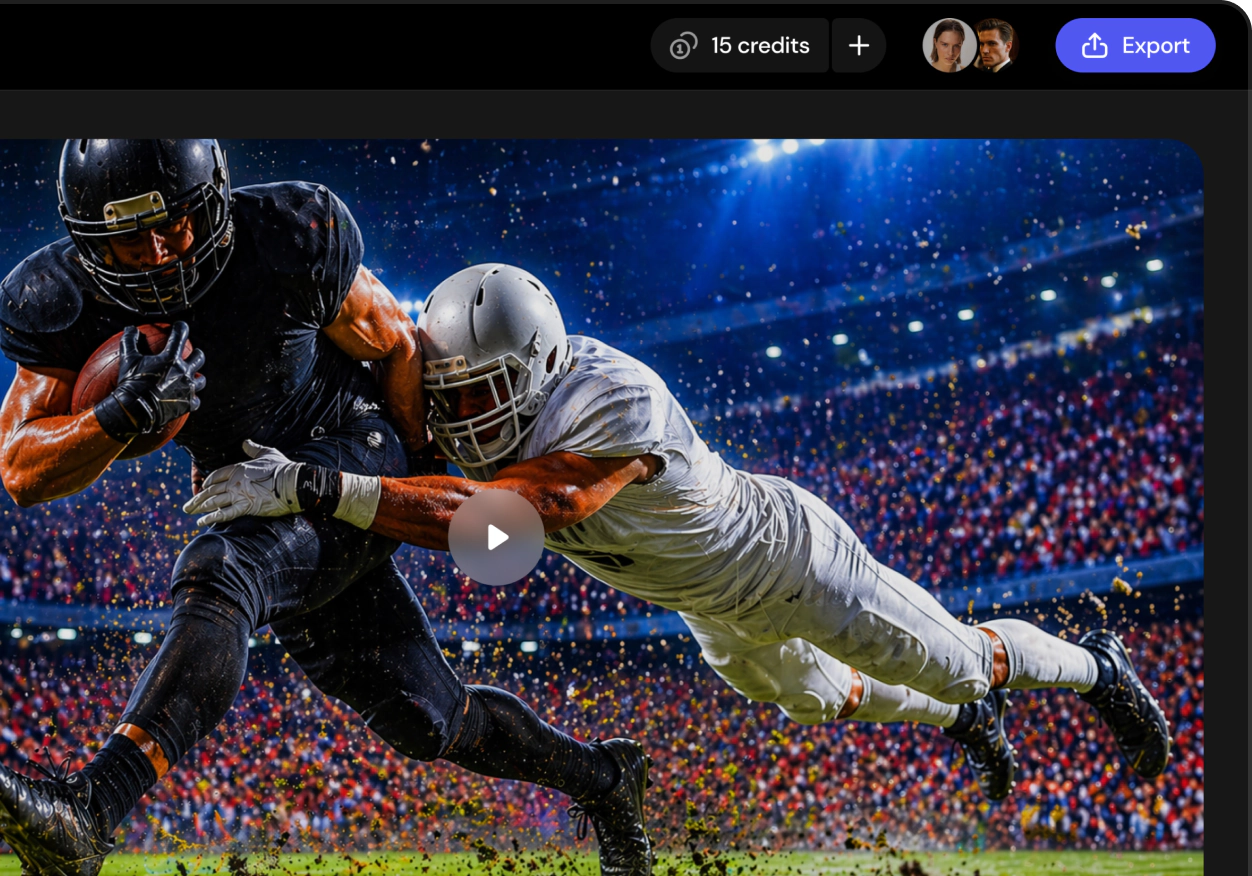
Create polished, lifelike videos with smooth motion, consistent characters, and razor-sharp detail.

Easy ways to create

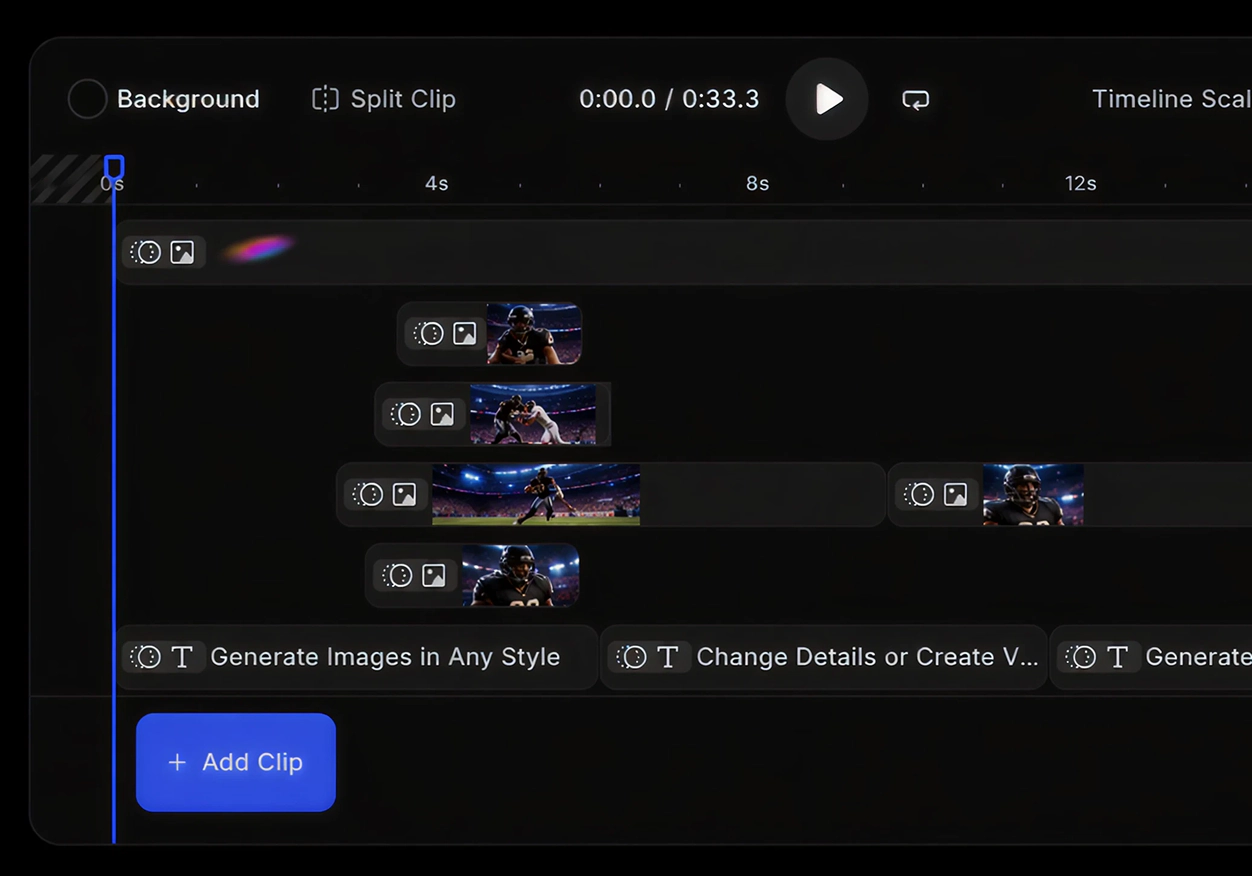
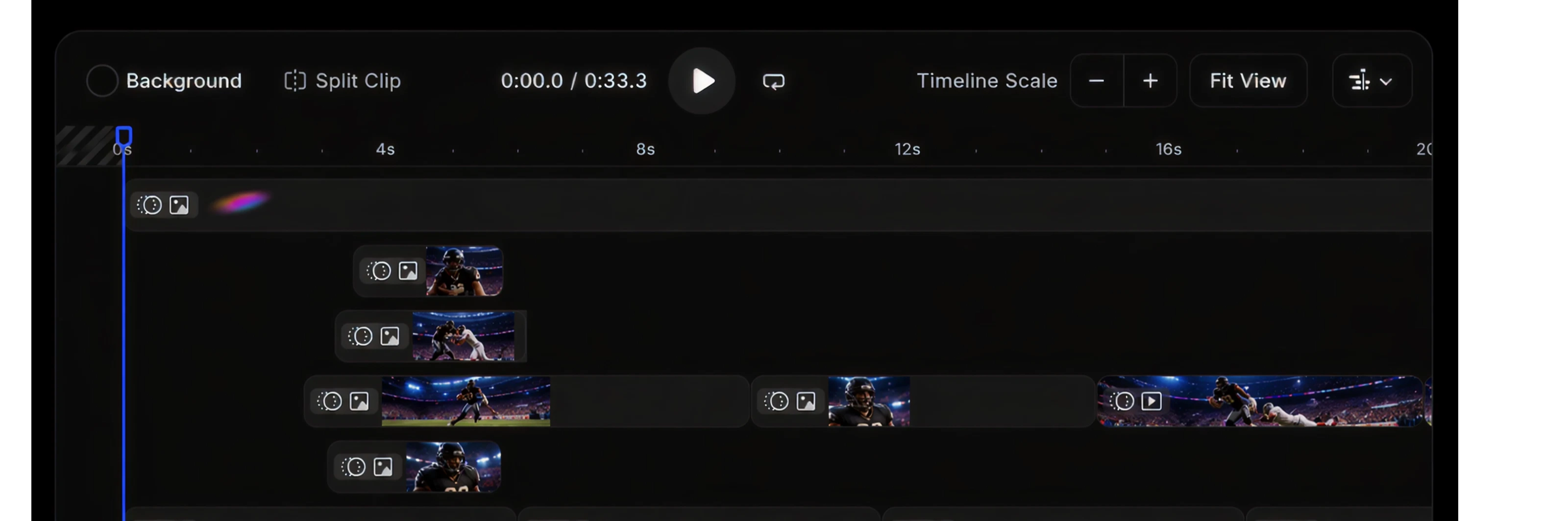
Try different models, choose how your video begins and ends, and adjust scenes until you like the result.

Speed that scales with you

Create more content, faster - from ideas to final cuts.

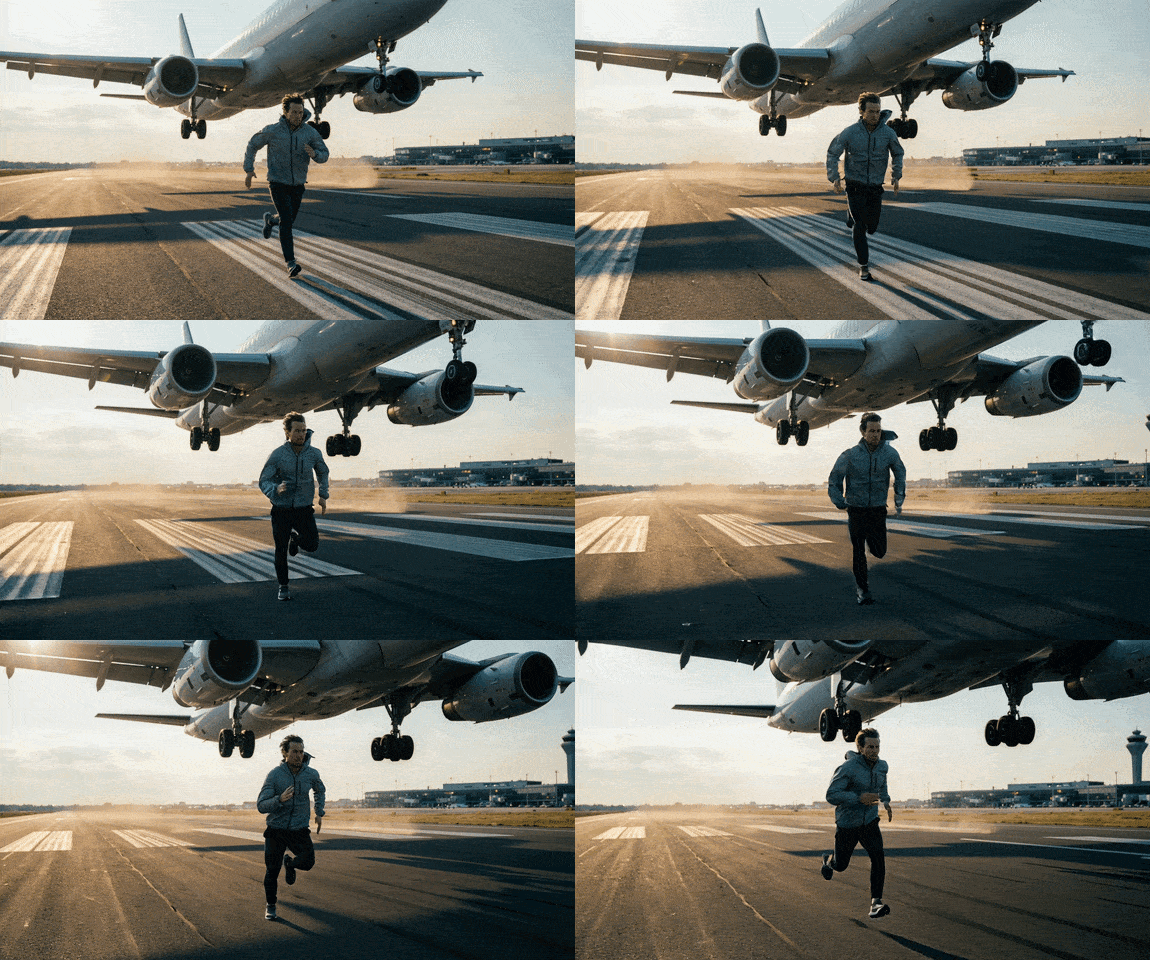
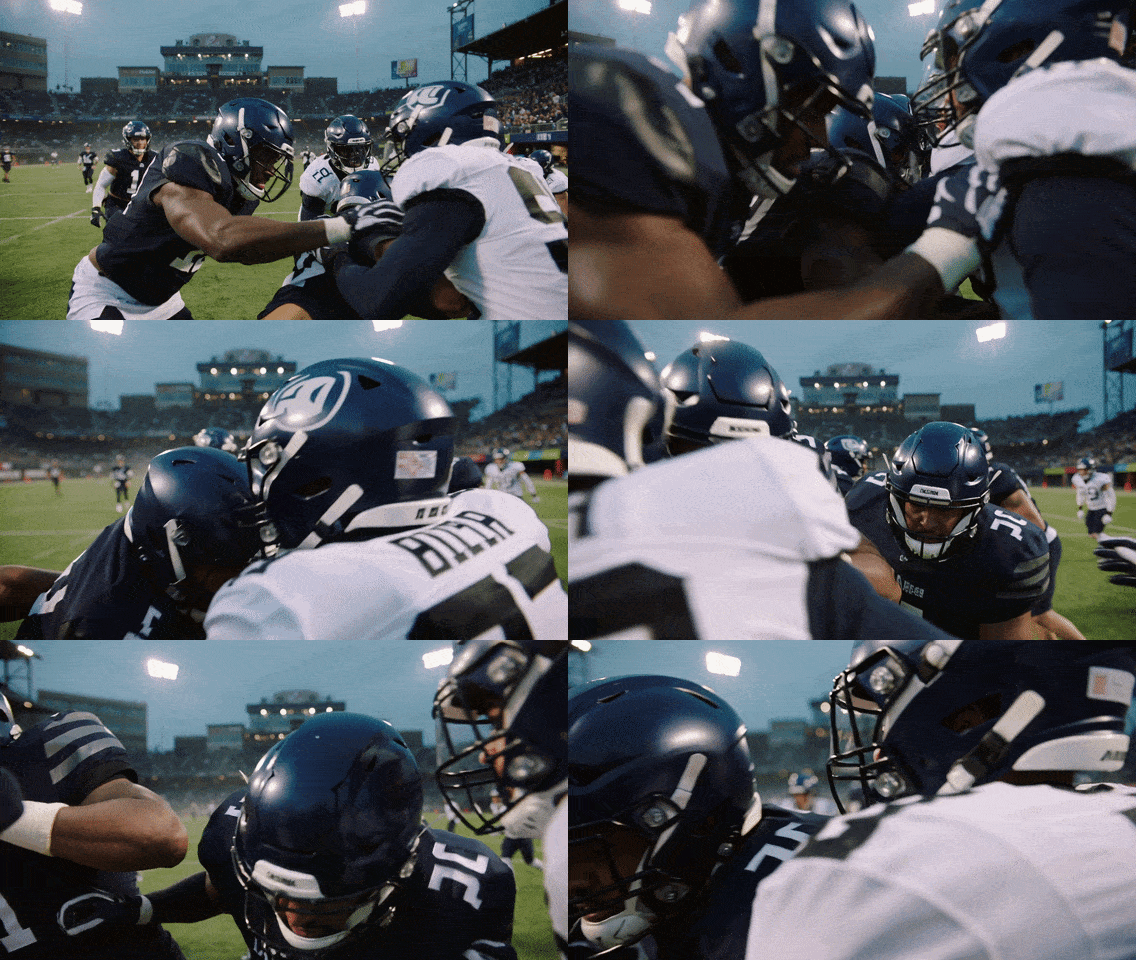
Text to video

Turn written prompts into high-quality, AI-generated videos in seconds. Describe a scene, style, or camera movement and let AI turn your ideas into dynamic visuals - ready for cinematic storytelling, social media, and creative production.

Try now ›

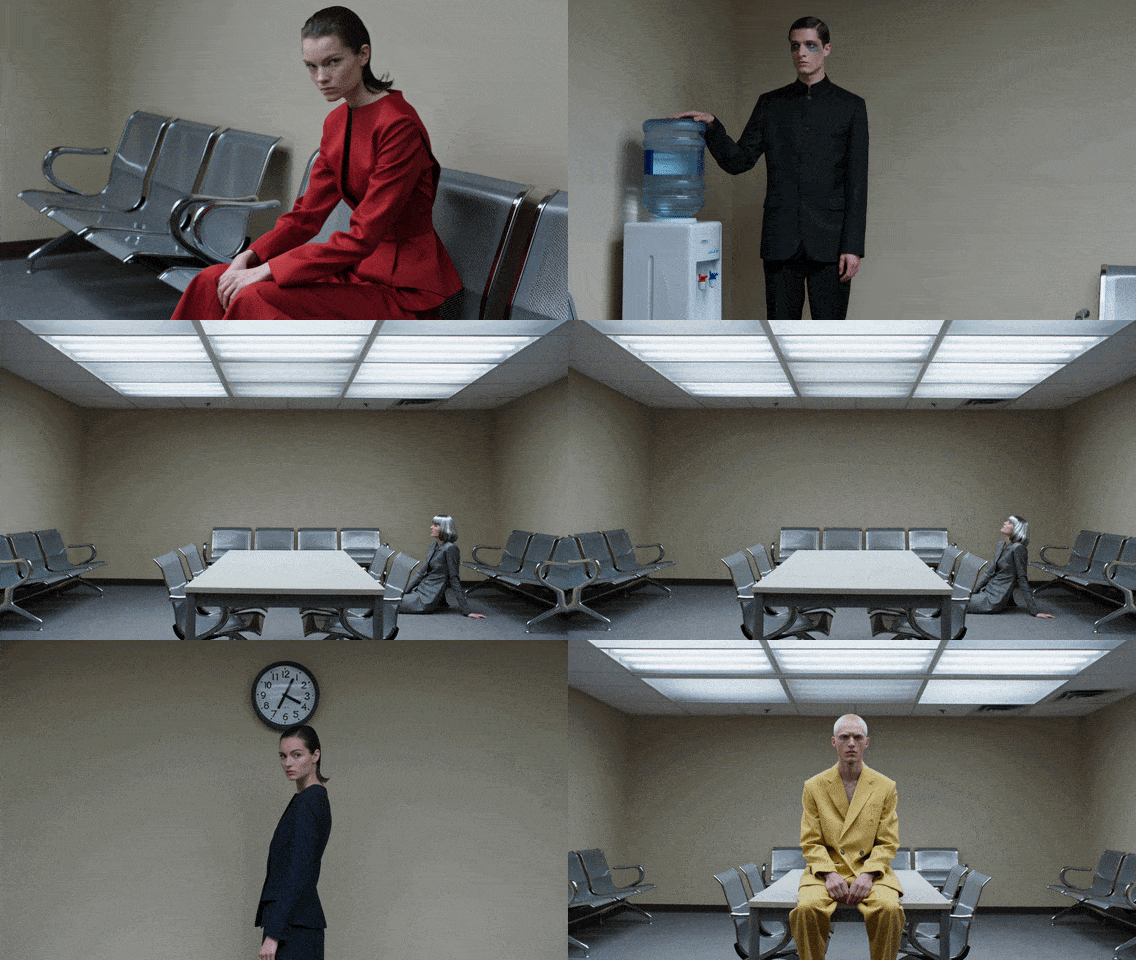
Image to video

Bring any still image to life with natural motion and camera movement. Animate storyboards, product shots, AI artwork, or photos to produce engaging clips for films, ads, and social media - without complex animation tools or editing.

Try now ›

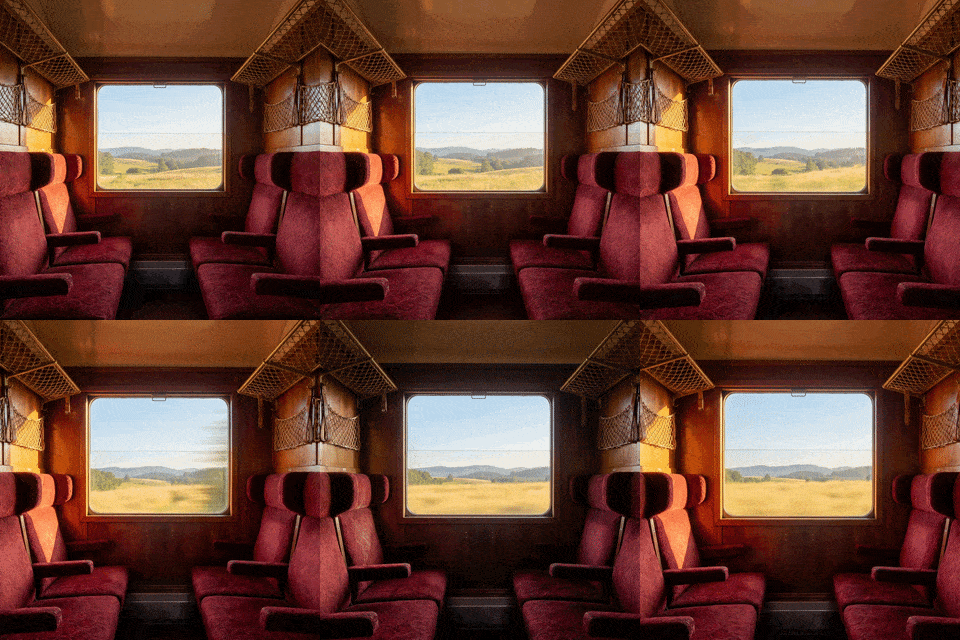
Video to video

Generate dynamic video sequences directly from speech, music, or narration. The AI video editor analyzes rhythm, pacing, and tone to create visuals that match the audio.

Try now ›

Built into realcreative workflows

Real feedback from people creating with Pixella

Sep 3, 2025
Perfect for testing ad creatives
We constantly need new video ads, and Pixella helps us generate multiple variations quickly. It saves a huge amount of time and lets us test more ideas without extra cost.
Sophia L.

Questions?

What is Pixella's AI video generator?
Pixella is a tool that helps you create videos from text, images, or existing footage without manual editing. Instead of working with timelines, effects, and complex tools, you simply describe what you want or upload your content. The system generates a ready-to-use video based on that input. It is built for people who need results quickly, whether it is for social media, ads, or content creation.
How do I cancel?
You can cancel anytime through your online account, by emailing [email protected] or by calling +1 (478) 209-3570
Do I need video editing experience to use this?
How long does it take to generate a video?
How does text to video work?
Can I turn images into videos?
What kind of quality should I expect?
What can I use these videos for?
Is this faster than traditional video production?
100% automatic

AI Video Generator

Turn ideas into stunning videos in seconds.

Upload media
Photos, videos or audio
Private mode
By continuing, you agree to our Terms of Service and Privacy Policy.

How to create AI videos

Create videos in a few simple steps - fast, intuitive, and built for modern creators.

Start creating
Step 1

Describe your video idea

Write a prompt or upload references to define your video.

Step 2

Configure video settings

Choose a model and adjust settings like duration and resolution.

Step 3

Generate and export final video

Preview, refine, then render and download your video.

Access the latest AI video models

Create from text, images, or footage - at AI speed.

Why creators prefer Pixella AI video tools

Next-gen AI video models

Turn text or images into video and pick the option that works best for you.

Studio-quality results in seconds

Create polished, lifelike videos with smooth motion, consistent characters, and razor-sharp detail.

Easy ways to create

Try different models, choose how your video begins and ends, and adjust scenes until you like the result.

Speed that scales with you

Create more content, faster - from ideas to final cuts.

Text to video

Turn written prompts into high-quality, AI-generated videos in seconds. Describe a scene, style, or camera movement and let AI turn your ideas into dynamic visuals - ready for cinematic storytelling, social media, and creative production.

Try now ›

Image to video

Bring any still image to life with natural motion and camera movement. Animate storyboards, product shots, AI artwork, or photos to produce engaging clips for films, ads, and social media - without complex animation tools or editing.

Try now ›

Video to video

Generate dynamic video sequences directly from speech, music, or narration. The AI video editor analyzes rhythm, pacing, and tone to create visuals that match the audio.

Try now ›

Built into realcreative workflows

Real feedback from people creating with Pixella

Sep 3, 2025
Perfect for testing ad creatives
We constantly need new video ads, and Pixella helps us generate multiple variations quickly. It saves a huge amount of time and lets us test more ideas without extra cost.
Sophia L.
Feb 13, 2026
Turns static images into engaging videos
I had a lot of product photos but no video content. Pixella helped me turn them into short videos for ads and social media. Engagement improved almost immediately.
Michael T.
Dec 17, 2025
No editing skills needed
I have zero experience with video editing, but Pixella made it ridiculously simple. Just describe what you want and it generates a full video that looks polished and ready to publish.
Emma R.

Questions?

What is Pixella's AI video generator?
Pixella is a tool that helps you create videos from text, images, or existing footage without manual editing. Instead of working with timelines, effects, and complex tools, you simply describe what you want or upload your content. The system generates a ready-to-use video based on that input. It is built for people who need results quickly, whether it is for social media, ads, or content creation.
How do I cancel?
You can cancel anytime through your online account, by emailing [email protected] or by calling +1 (478) 209-3570
Do I need video editing experience to use this?
How long does it take to generate a video?
How does text to video work?
Can I turn images into videos?
What kind of quality should I expect?
What can I use these videos for?
Is this faster than traditional video production?